

PSG1 Keys
This is the overall layout for the PSG1 physical keys.
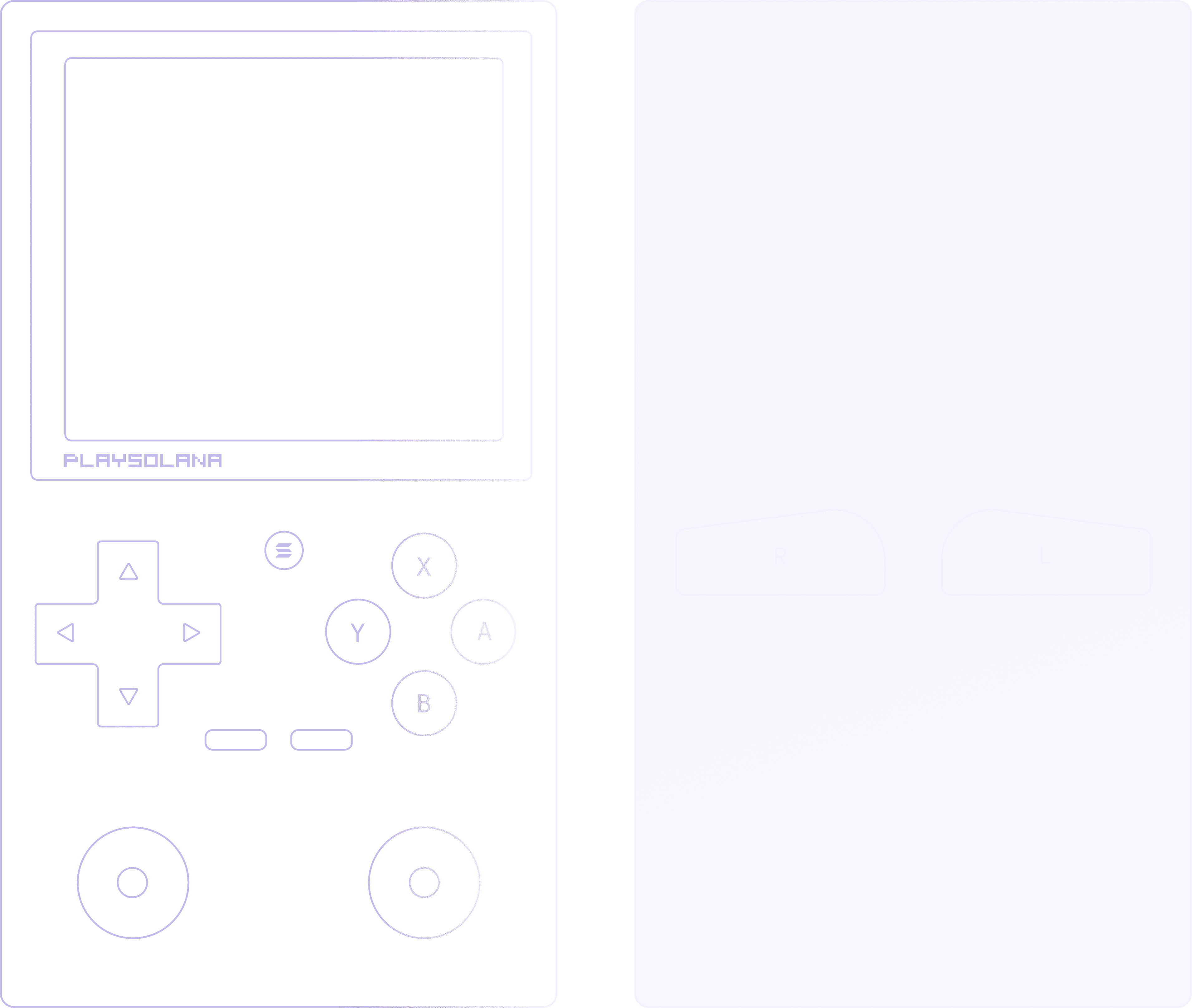
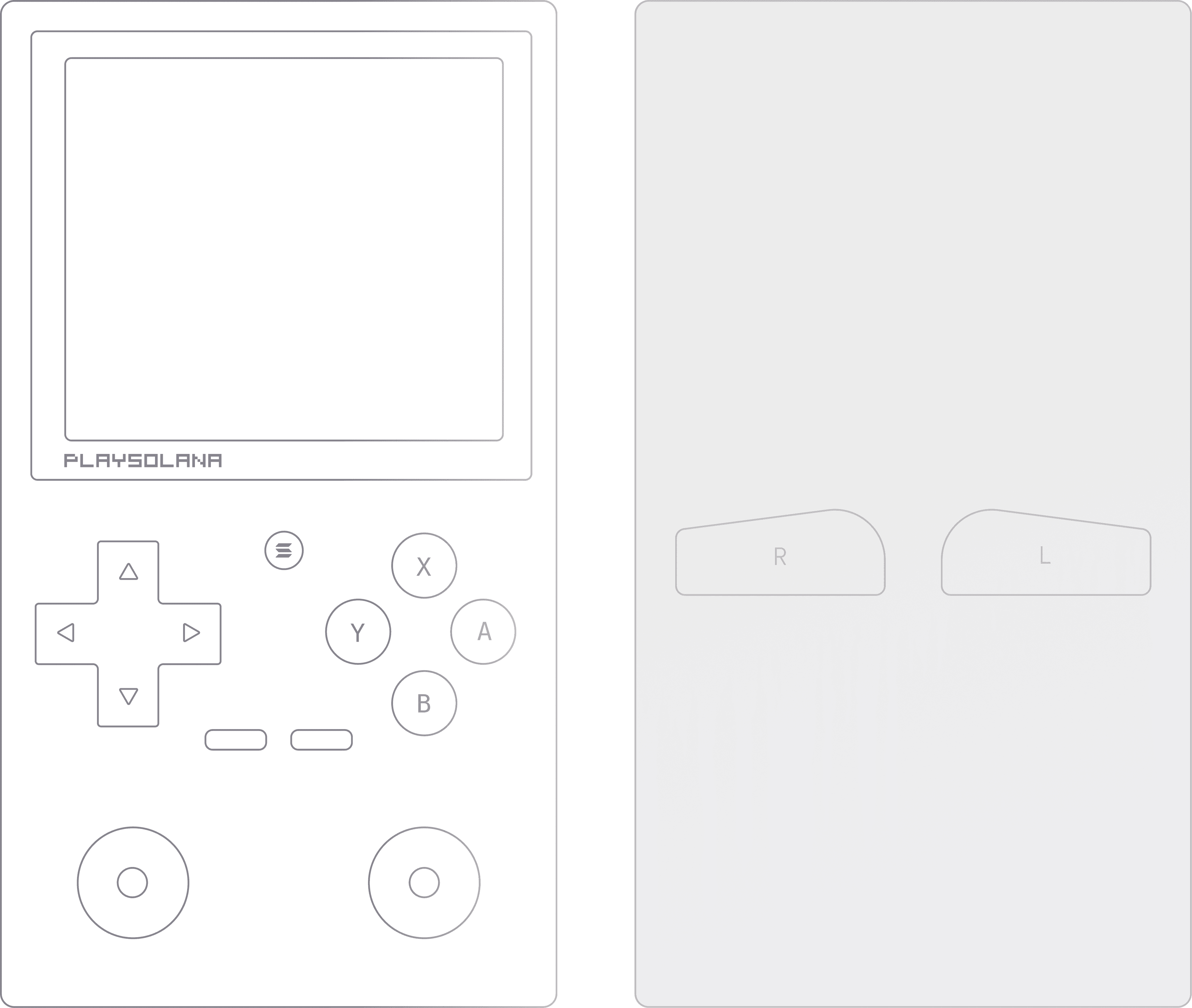
All physical buttons on the PSG1 are mapped and accessible through the SDK, except for Volume Up, Volume Down, Fingerprint, and the Home button.
The PSG1 does not include R2/L2 triggers, unlike other mainstream consoles.
Button Reference:
· Face Buttons (Right Side):
· A Button (Right) – Primarily used for confirming, interacting with characters, or talking.
· B Button (Bottom) – Commonly used for jumping or canceling (back) in menus. It is considered the most accessible button.
· X Button (Top) – Typically used for secondary abilities, menus, or items.
· Y Button (Left) – Usually assigned to attacking, shooting, or running/grabbing.
· D-Pad (Up / Down / Left / Right) – Directional navigation for menus, selection, or movement.
· Left Analog Stick – Primary movement / directional control.
· Right Analog Stick – Camera control / secondary movement / cursor control.
· Menu / Start Button – Opens pause menus, system menus, or in-game options.
· Select / View Button – Used for secondary menus, overlays, or utility actions depending on implementation.
· Shoulder Buttons:
· R Button – Right shoulder button. Used for quick actions or modifiers.
· L Button – Left shoulder button. Used for quick actions or modifiers.